

"Let It Go" and bring out your inner Frozen princess with our step-by-step makeup tutorial using YouCam Makeup.
Elsa "The Snow Queen" Tutorial in 10 Steps
Elsa's porcelain complexion, pink lips, smoky purple eyes and perfect eyebrows are easy to achieve with this magical makeover!
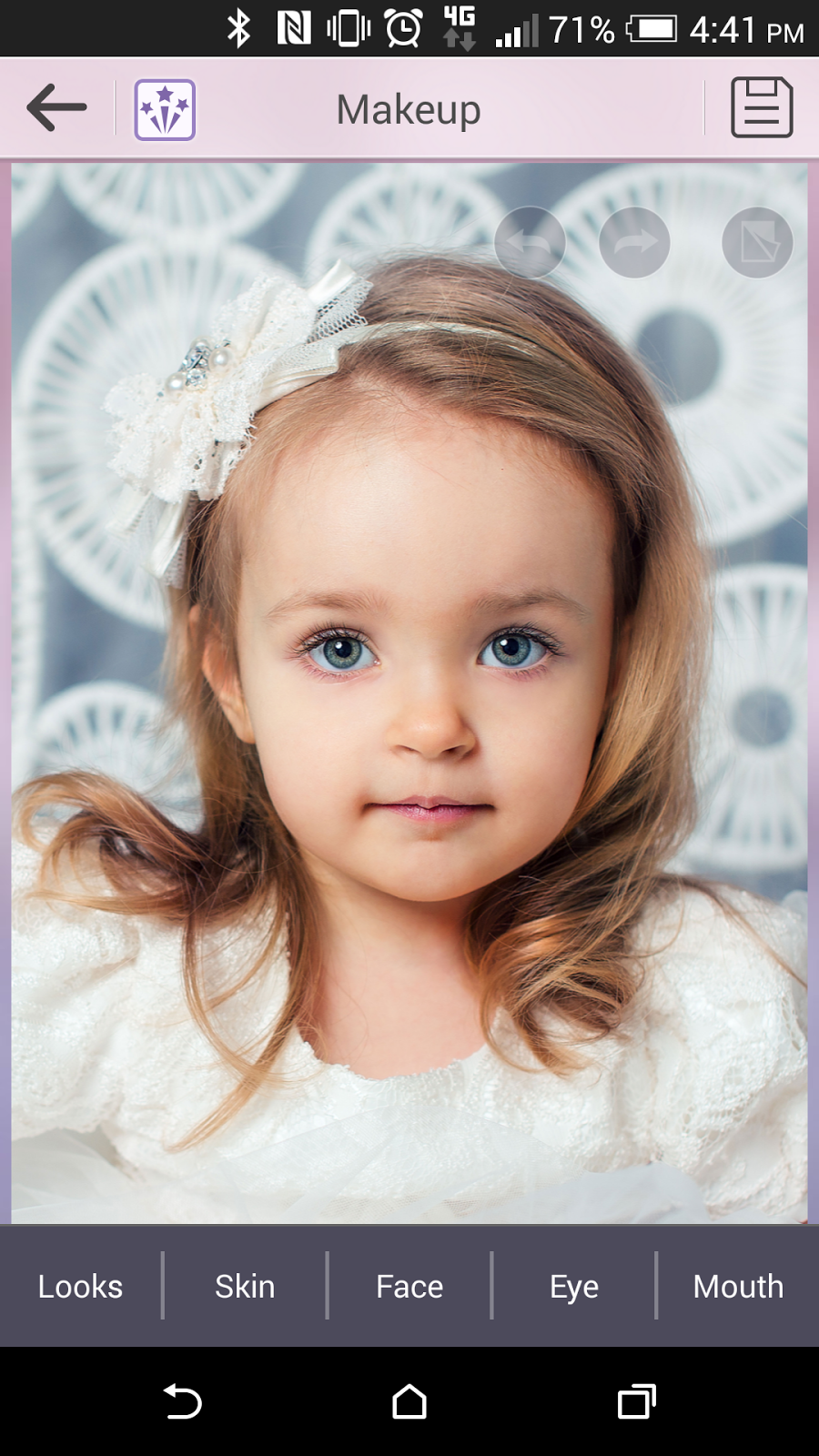 1. Download and open the YouCam Makeup app, available for Android devices, iPhone and iPad.
2. Select your photo from the Photo Album and click Skin to begin applying makeup.

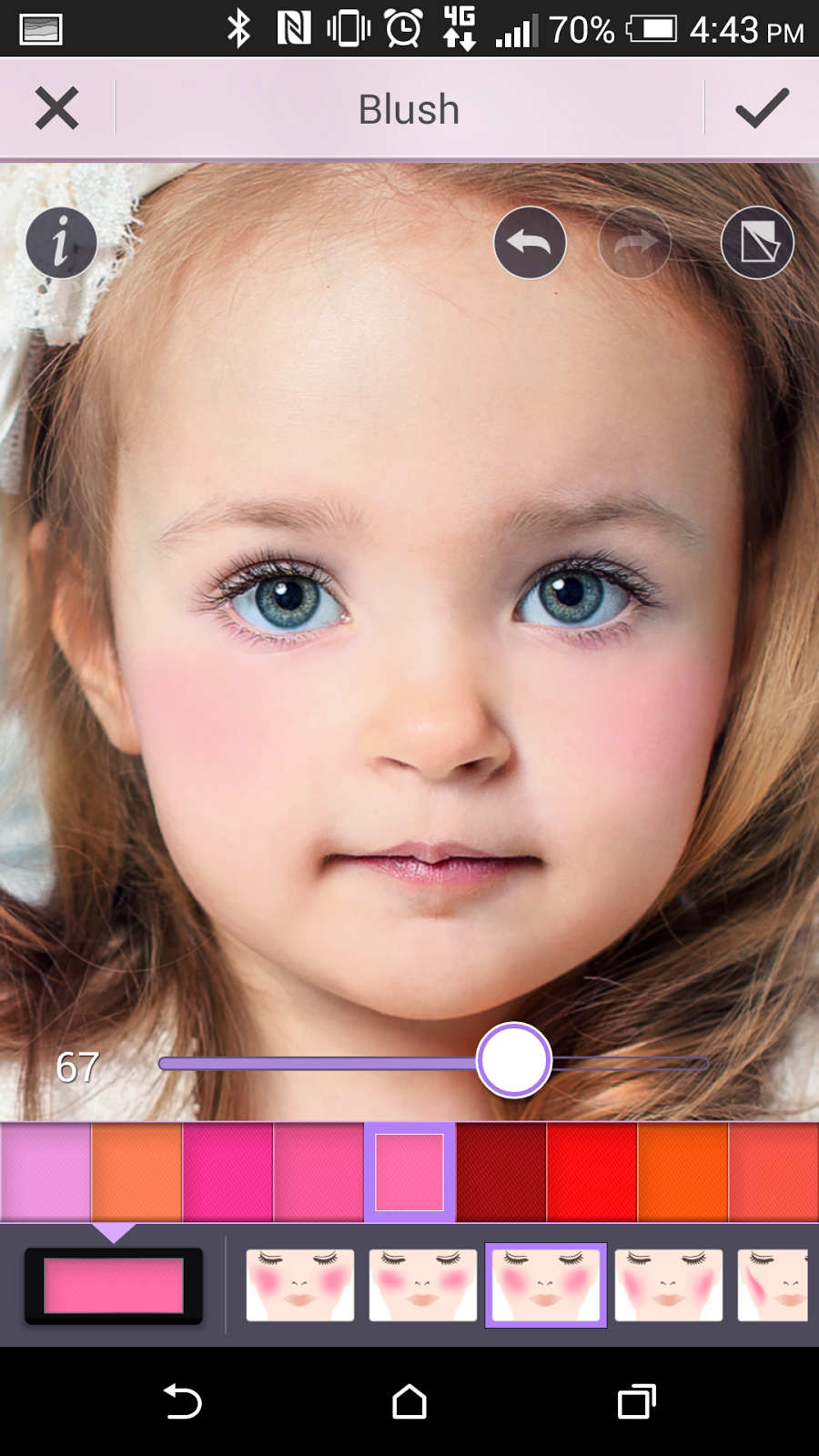 4. To get the snow queen's rosy cheeks, select Skin and select Blush in the baby pink shade higher than 60 percent (use the slider to adjust the intensity).
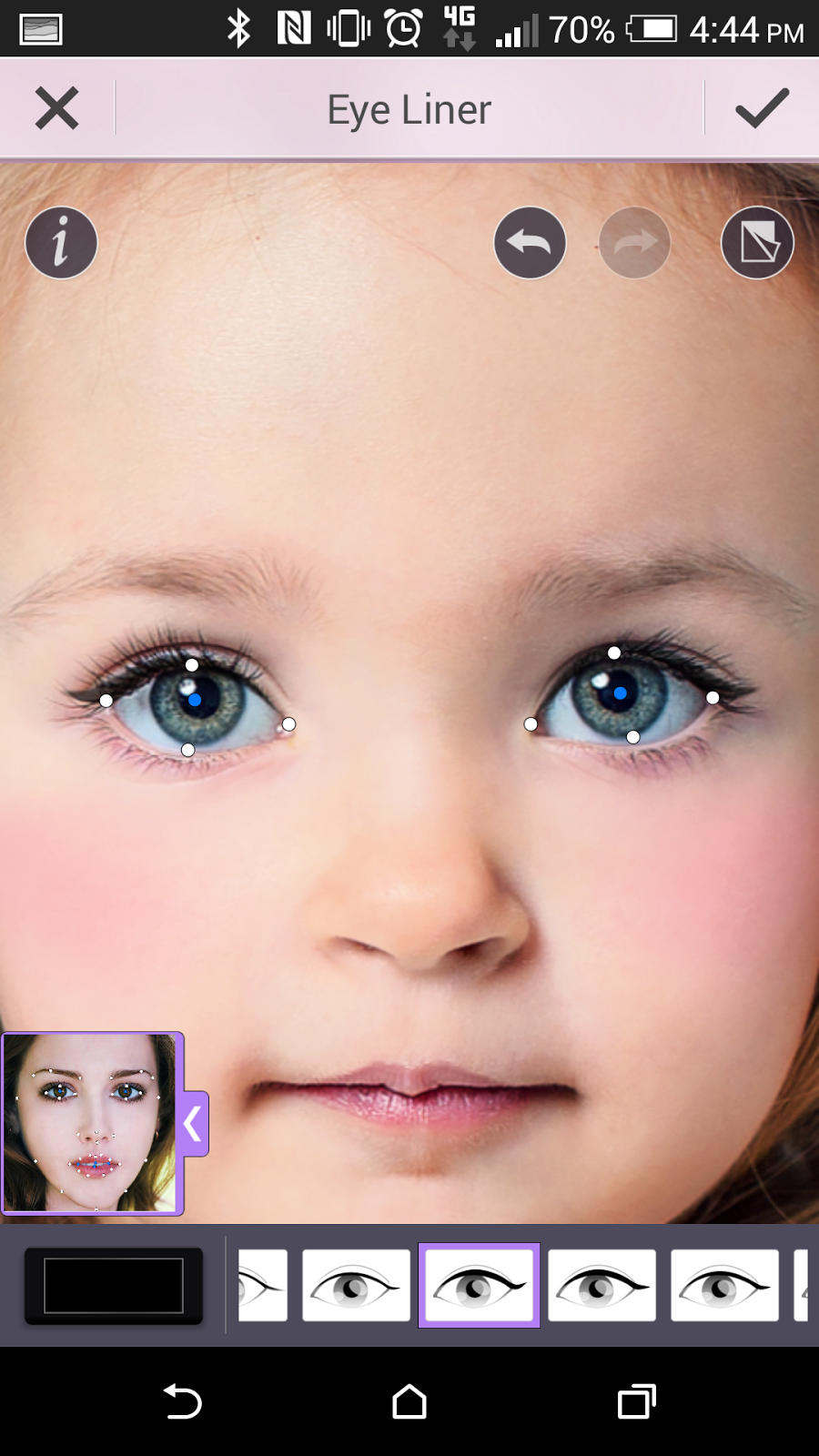 5. To make your eyes pop like Elsa's, first line the eyes by selecting Eyes and Eye Liner in black selecting the strong winged style of liner.
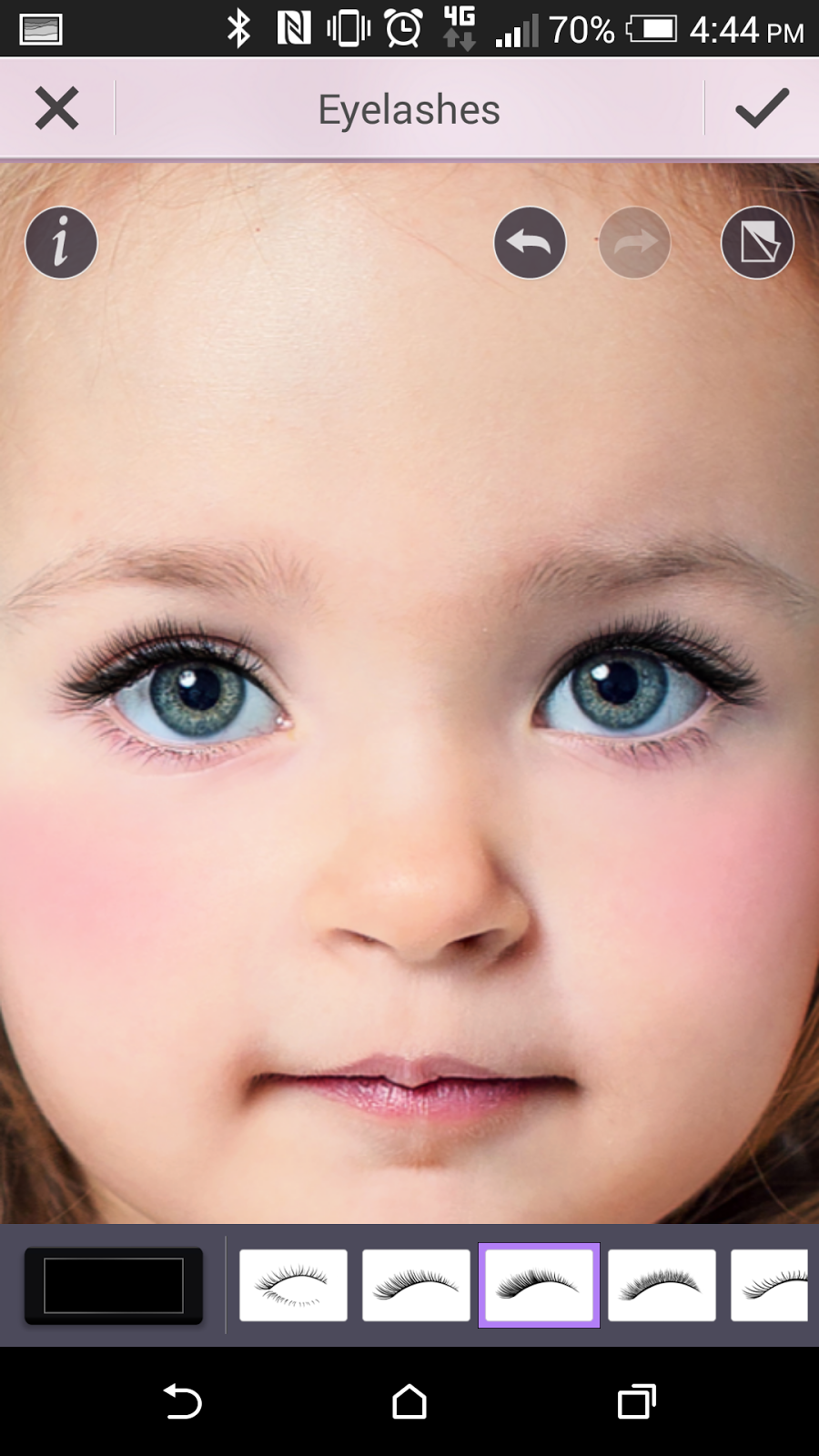 6. Elsa also has long lashes, so to achieve this select Eyelashes and apply the thick black lashes.
7. For Elsa's signature purple smoky eye
look, select Eyeshadow and chose the colors for the three shades of purple, 1 the lightest shade of purple, 2 the darkest shade, and 3 a middle hue of purple. Use the strongest shadow application by selecting the style in the eyeshadow application maps that gives you the fullest coverage for your eye.

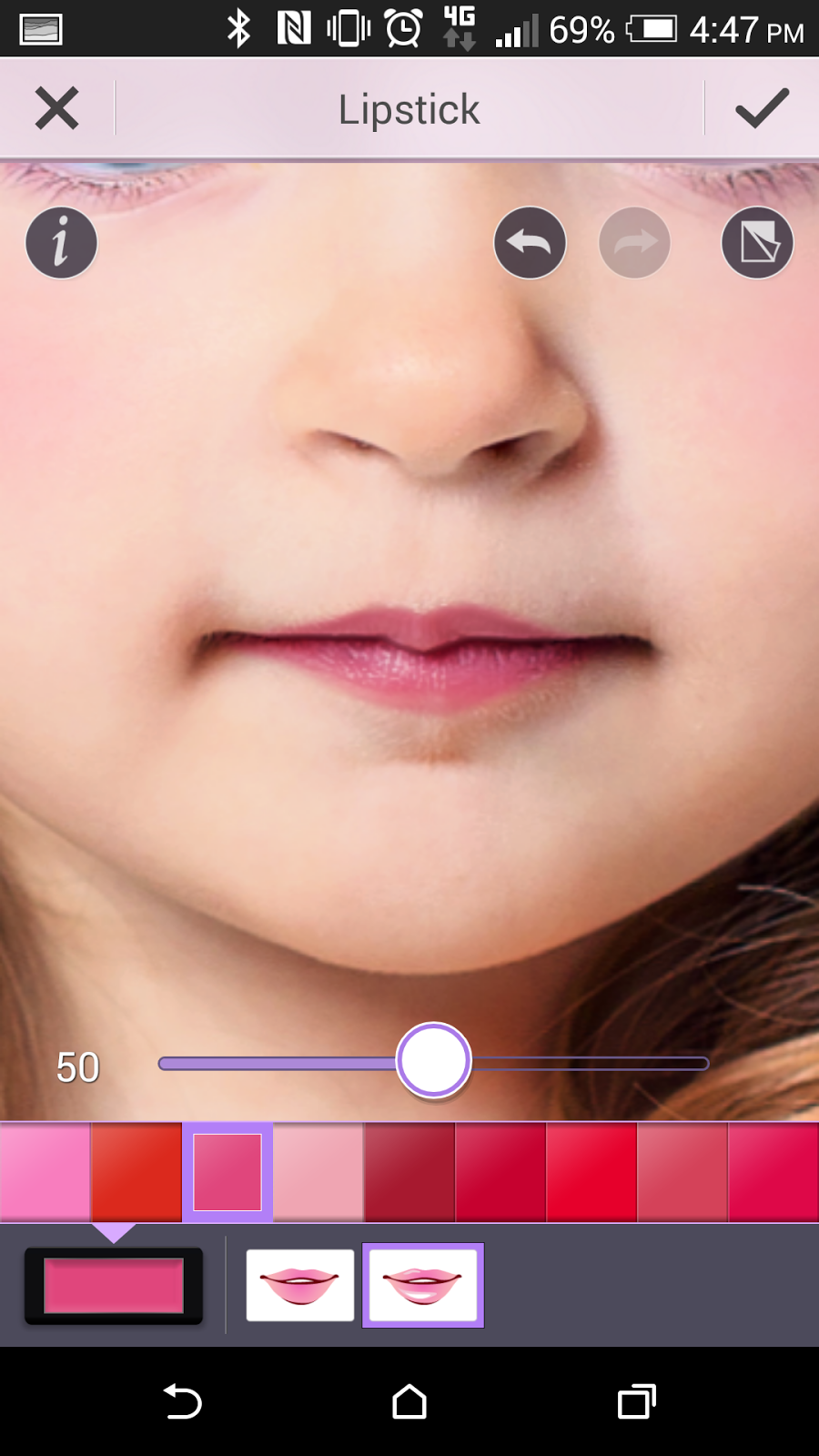 9. Pouty pink lips are also part of Elsa's look. To get her lipstick color, select Lips and Lipstick in magenta at 50% and the glossy style lipstick.
 10. For even more fun after you've completed your Elsa Frozen makeup look, save your photo and select one of the YouCam Perfect Collages to place yourself or your little girl together with the real Elasa character side-by-side. Select from collages with 2-6 photos!


Princess Anna Tutorial in 10 Steps
Want to build a snowman? Try out this innocent and charming princess Anna makeup look first!
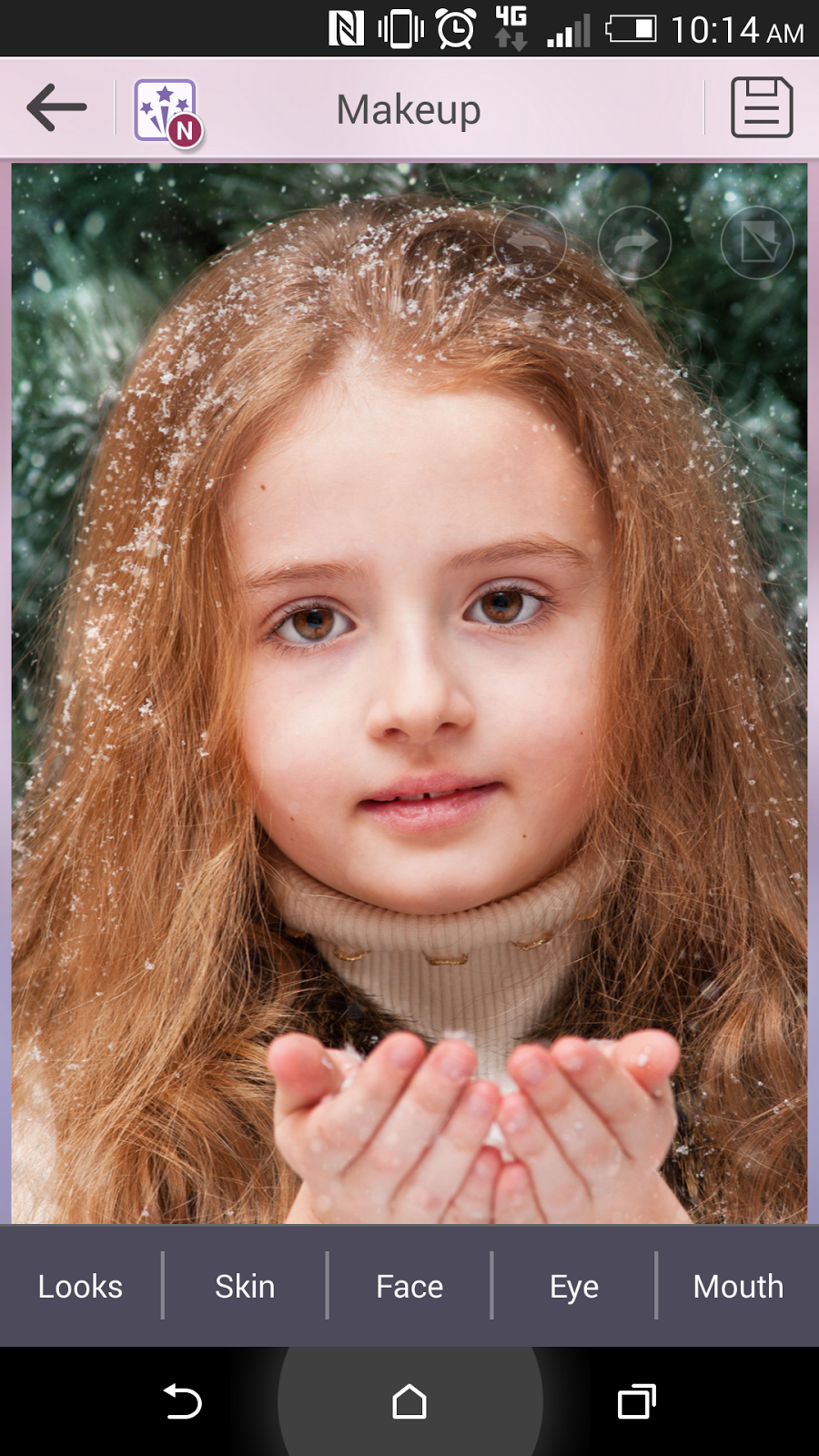 1. If you haven’t already, download and open the YouCam Makeup app, available for Android devices, iPhone and iPad.
 2. Select your photo from the Photo Album. Depending on your own skin tone, you may want to add foundation to make your skin more peachy like Anna’s. To do this, select Skin and Foundation to pick a peach shade.
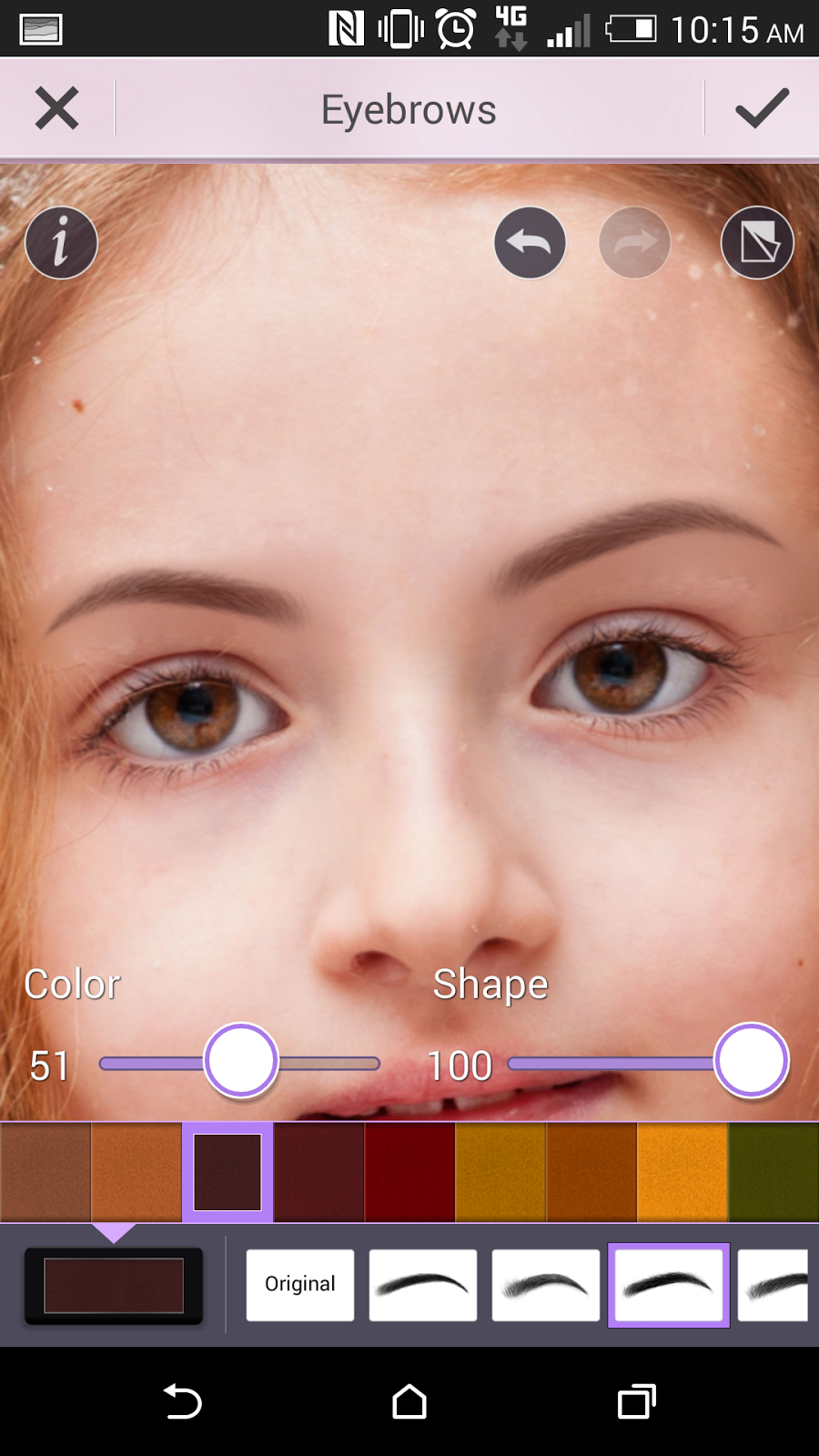 3. Anna's eyebrows are dark and full. To make your brows more like her, go to Eyes and select Eyebrows and use the darkest coffee color. Select the brow style that is straight, thick, and slightly tapers at the end. Use 100% shape and 51% color for full yet soft arches (use the slider to adjust the color intensity).
4. Anna has genuine doe eyes, big and gentle. To make eyes more like hers, select Eye Liner and click "+" to download one of the new eyeliner looks with the soft shadow under the bottom lash line. Download the look and "use" it to apply to your own photo.
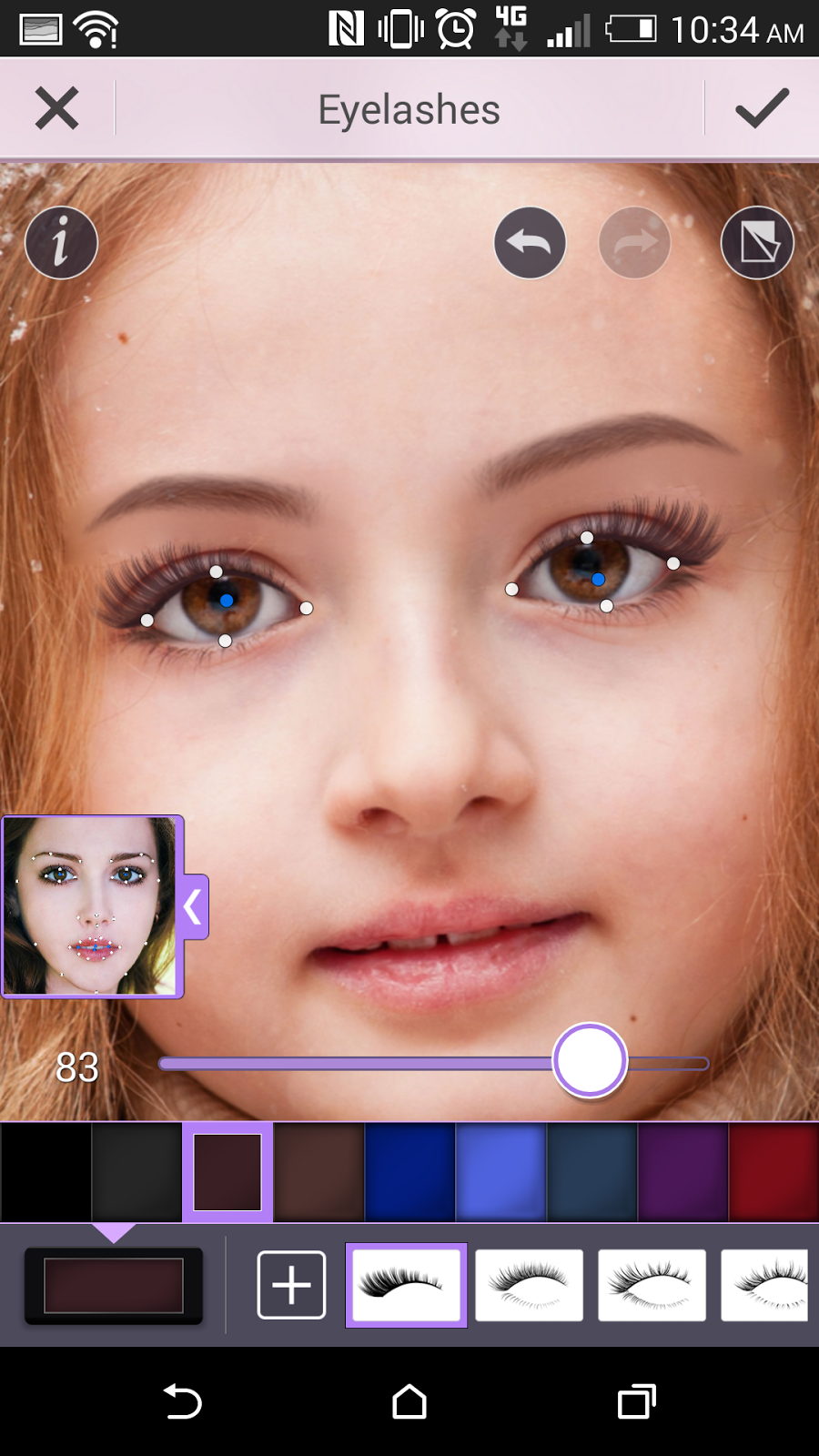 5. Anna's lashes are particularly long and full. To achieve this youthful look, select Eyelashes and and click "+" to download one of the new lash styles, the fullest and longest dramatic lashes. Download the look and "use" it to apply to your own photo. Use dark brown color for the lashes around 80% to soften them (use the slider to adjust).
6. To get the princess's warm, rosy cheeks, select Skin and select Blush in the bright middle shade of pink around 80% (use the slider to adjust).


7. Anna has glossy pink lips. To get her lip color, select Lips and Lipstick in dark pink at around 30% and select the glossy lipstick style.


9. Use the strongest shadow application by selecting the style in the eyeshadow application maps that gives you the fullest coverage for your eye.


